
Next.js vs WordPress: Why We Don't Build on WordPress
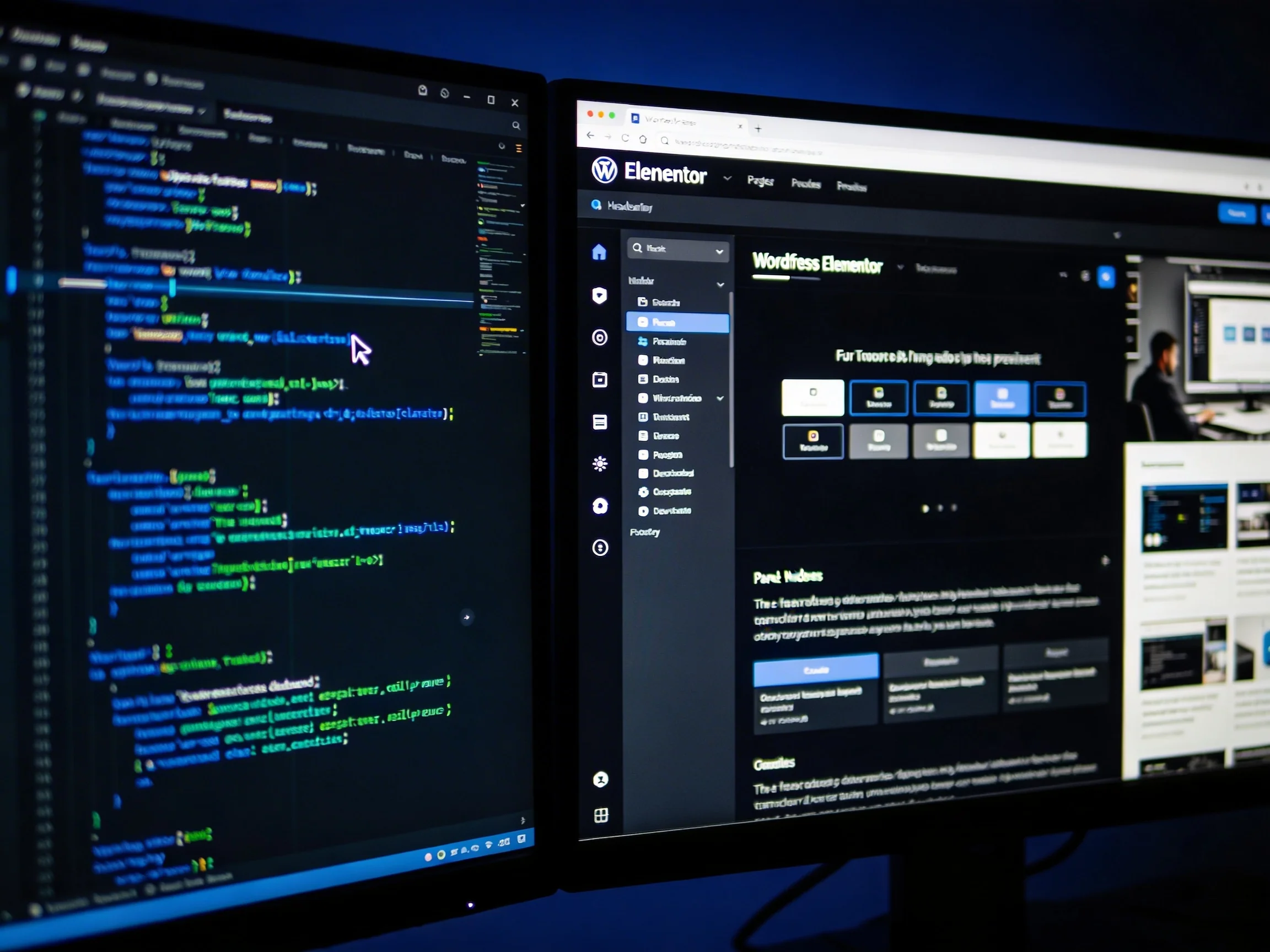
Nobody chooses WordPress because they studied the alternatives. They choose it because it's familiar — their last agency used it, their developer cousin mentioned it, or they Googled 'how to build a website' in 2019. It's the path of least resistance. And for a lot of businesses, it's silently working against them.
We've rebuilt enough WordPress sites to spot the pattern. Page load times in the two-second range. Lighthouse scores in the fifties. Plugin conflicts that nobody knows how to fix. The business owner isn't aware any of this is happening — they're just not getting the leads they expected. At Osea, we build on Next.js. Here's why.
What WordPress Is Actually Running Under the Hood
WordPress is a PHP application originally released in 2003. When someone visits a page on your WordPress site, the server receives the request, queries a database, assembles the HTML, and sends it back. Every single visit. On every single page. Now add the plugin stack that most WordPress sites run — contact forms, SEO tools, a page builder, a caching layer, a security plugin, a backup plugin — and you've added multiple processes fighting for the same server resources at the moment your visitor is waiting.
The average WordPress site runs 22 active plugins. Each one is another piece of code executing on every request. Some conflict with each other. Some haven't been updated in two years. Some introduce security vulnerabilities that WordPress site owners only discover after their site gets hacked and redirects visitors to a pharmacy.
Core Web Vitals: The Metrics Google Uses to Rank Your Site
Since 2021, Google has used Core Web Vitals as a confirmed ranking signal. The three metrics that matter most: Largest Contentful Paint (LCP) — how long before the main content of a page is visible; Interaction to Next Paint (INP) — how quickly the page responds when a user clicks something; and Cumulative Layout Shift (CLS) — whether elements jump around as the page loads.
Google considers an LCP under 2.5 seconds 'good.' Most unoptimized WordPress sites with page builders land between 3 and 6 seconds. That's not just bad for rankings — it's bad for business. Conversion rate data puts it plainly: a one-second delay in page load time reduces conversions by around 7%. On a site generating 100 enquiries a month, that's 7 lost contacts every 30 days, every month, indefinitely.
“Speed is not a technical vanity metric. It's money. Specifically, it's the money your slow site is quietly handing to whoever loads faster.”
— Osea Web Strategy
What Next.js Does Differently
Next.js is a React framework built for performance from the ground up. The fundamental difference: instead of building each page on every request, it builds pages at deploy time. A visitor lands on your site and gets pre-rendered HTML served instantly from a CDN edge node — a server physically close to them. No database query on the critical path. No plugin stack to slow things down.
This approach is called Static Site Generation (SSG). For pages that need fresh data — a listings page that updates regularly, a blog that gets new posts — Next.js offers Incremental Static Regeneration (ISR). Pages are rebuilt in the background at set intervals without a full redeploy. You get the speed of a static site with the flexibility of a dynamic one.
For content management, we pair Next.js with a headless CMS — typically Sanity or Contentful. Your marketing team gets a clean, intuitive editing interface. Your developers work with a proper codebase. The two never conflict because the CMS is just a data source, not a rendering engine.
What We Actually See on Projects
When we move a client off WordPress onto Next.js, the improvements are not marginal. Lighthouse performance scores routinely jump from the 40–60 range into the 90s. Time to First Byte — the time before the browser receives the first byte of data from the server — drops from 800ms to under 100ms. Structurally, these are different classes of site.
One client in the real estate sector came to us running a WordPress site with a page builder, 22 active plugins, and a Time to First Byte of 1.8 seconds. We rebuilt it in Next.js with a headless CMS. Six weeks after launch: organic impressions up 34%, average search position improved by 11 spots. Same content. Same domain. Different foundation.
This is the kind of work we document in our case studies — not to show off, but because the numbers make the argument more clearly than any explanation we could write.
"But WordPress is easier to manage"
This is the most common pushback, and it deserves a straight answer. WordPress has a visual admin panel that non-technical team members can use to update content. That's real. The question is whether 'easier to manage' is worth the performance and security tradeoffs — and in most cases, it isn't, because the premise is outdated.
A Next.js site connected to Sanity gives a non-technical editor the same content flexibility — adding blog posts, updating text, swapping images — with a cleaner interface than WordPress's own editor. The difference is that the editor is touching only content, not a rendering engine that can break if you install the wrong plugin.
If you want to understand what a modern content editing workflow looks like, our web development service page walks through the full stack we typically recommend.
When WordPress Is Actually Fine
We're not ideological about tools. WordPress is fine for a personal blog, a hobby project, or a situation where budget is the hard constraint and traffic is low. The moment your website is a material part of how you acquire business — when it's working as a sales tool, a lead generation asset, or a brand statement to clients who will judge you based on it — you need a foundation that performs under that pressure. WordPress, in most configurations, does not.
The Real Question
Your website is either working for you or it isn't. A slow, plugin-heavy WordPress site with a Lighthouse score of 52 is not neutral — it's actively losing you search rankings, turning away visitors, and underrepresenting what your business actually is. The technical stack is a business decision, not a developer preference.
If you're not sure where your site stands, we offer a free website audit that covers performance, SEO fundamentals, and a plain-language breakdown of what to fix and in what order. No jargon, no upsell pressure — just an honest read of where you are.
More from the blog

Mar 17, 2026·7 min read
Minimalist Logo Design: Why Simple Isn't the Same as Easy
Everyone wants a clean, minimal logo. Very few brands get one that actually works. The difference isn't aesthetic — it's strategic. Here's what separates a minimal logo from an empty one.
Fouad Boukra
Mar 5, 2026·7 min read
Web Design Principles: 5 Rules We Never Break on Any Project
After hundreds of pages and dozens of projects across three continents, certain principles have proven non-negotiable. Not because we decided they should be — because every project that ignored them paid for it.
Fouad Boukra
Feb 20, 2026·9 min read
Brand Identity Design: What Makes a Mark Last Beyond Trends
A logo is not a brand. A color palette is not an identity. After building brand systems for clients across four continents, here's what we've learned separates the marks that endure from the ones that get quietly redesigned three years later.
Fouad Boukra