
Web Design Principles: 5 Rules We Never Break on Any Project
Most web design advice sounds reasonable until you try to apply it to an actual project with actual constraints. Real budgets. Clients who want things their way. Developers who push back. Content that doesn't fit the beautiful layout you designed. The principles that survive that pressure aren't the ones that read well in a blog post — they're the ones that have been tested against projects that nearly went sideways and kept them from going there.
These five aren't ideals we aim for. They're minimum conditions. If a design solution violates any of them, we revisit it before it gets built — regardless of how good it looks in a static mockup.
1. Hierarchy Before Aesthetics
Every page has a job. The designer's job is to make sure the visitor understands that job within the first two seconds of landing there — without having to work for it. Visual hierarchy is how that happens: establishing a clear reading order through size, weight, contrast, color, and spacing so the eye moves exactly where it should, in exactly the right sequence.
The mistake we see most often — in agency work, in template-built sites, in DIY projects — is prioritizing how a page looks before deciding what it needs to communicate. You end up with layouts where everything is competing for attention and nothing is winning. A bold hero image. A large headline. Three equally sized sections. A CTA that's styled like everything else. The visitor's eye doesn't know where to go, so it leaves.
We approach every page brief the same way: what does the user need to understand first, second, and third? That sequence gets built in layout before a single font or color gets decided. The aesthetics serve the hierarchy, not the other way around.
2. Performance Is a Design Decision
This is the one most agencies treat as an engineering concern — something the developer handles after the design is signed off. It isn't. Every design decision has a performance cost, and that cost shows up directly in how fast the page loads for the person you're trying to convert.
A full-width video background is a design choice. So is a parallax scroll effect. So is loading three typeface weights when two would do. So is that hero image at 3.8MB because no one checked before it was exported. Each one of those decisions adds load time, and load time is directly connected to bounce rate and conversion. Google's data on this is consistent: as page load time goes from one second to three seconds, the probability of a user bouncing increases by 32%.
We have a simple internal rule: before any visual element makes it into a final design, someone has to answer what it costs in performance and whether the trade-off is worth it. Usually it is. Sometimes it isn't. That conversation belongs in the design phase, not after the site is built and the Lighthouse score comes back at 48.
This is part of why we build on Next.js rather than WordPress — performance isn't something we optimize after the fact. It's the foundation the design is built on. If you want to understand what that looks like technically, we've written about it in more detail in our Next.js vs WordPress article.
3. Mobile First — Not Mobile Friendly
These are different things. 'Mobile friendly' is what you get when you design for desktop and then adjust it to fit a smaller screen. 'Mobile first' means you start with the smallest, most constrained version of the experience and expand from there.
The difference shows up in the quality of the decision-making. When you start on desktop, you're designing for space you have in abundance. The layout feels natural, the content fits, everything looks good. Then you try to collapse it to 375px and realize you have four columns where there should be one, a navigation that doesn't work on touch, and a hero section with text so small it's unreadable. So you compromise. You hide things. You stack things. The result feels like a concession, because it is.
Starting mobile forces a different kind of discipline. With limited space, every element has to justify being there. What's essential? What can be removed? What needs to be a different format entirely at small sizes? When those decisions are made first, the desktop version becomes an expansion of something that already works — not a rescue operation for something that doesn't.
It also matters because of where traffic actually comes from. For most of the clients we work with across Algeria, the MENA region, and North Africa, mobile accounts for over 70% of web traffic. Designing for desktop first in that context isn't just a philosophical disagreement — it's designing for the wrong audience.
4. Consistency Builds Trust
Users develop expectations fast. Within two or three interactions with a site, they've already formed an internal model: this is what a button looks like, this is how links behave, this is the rhythm of the spacing. When that model gets violated — a button styled differently on page four, a heading that's a different size than the ones before it, an icon that's outlined on one page and filled on another — something feels off. The visitor usually can't name why. They just feel like the site is a little unfinished, a little untrustworthy.
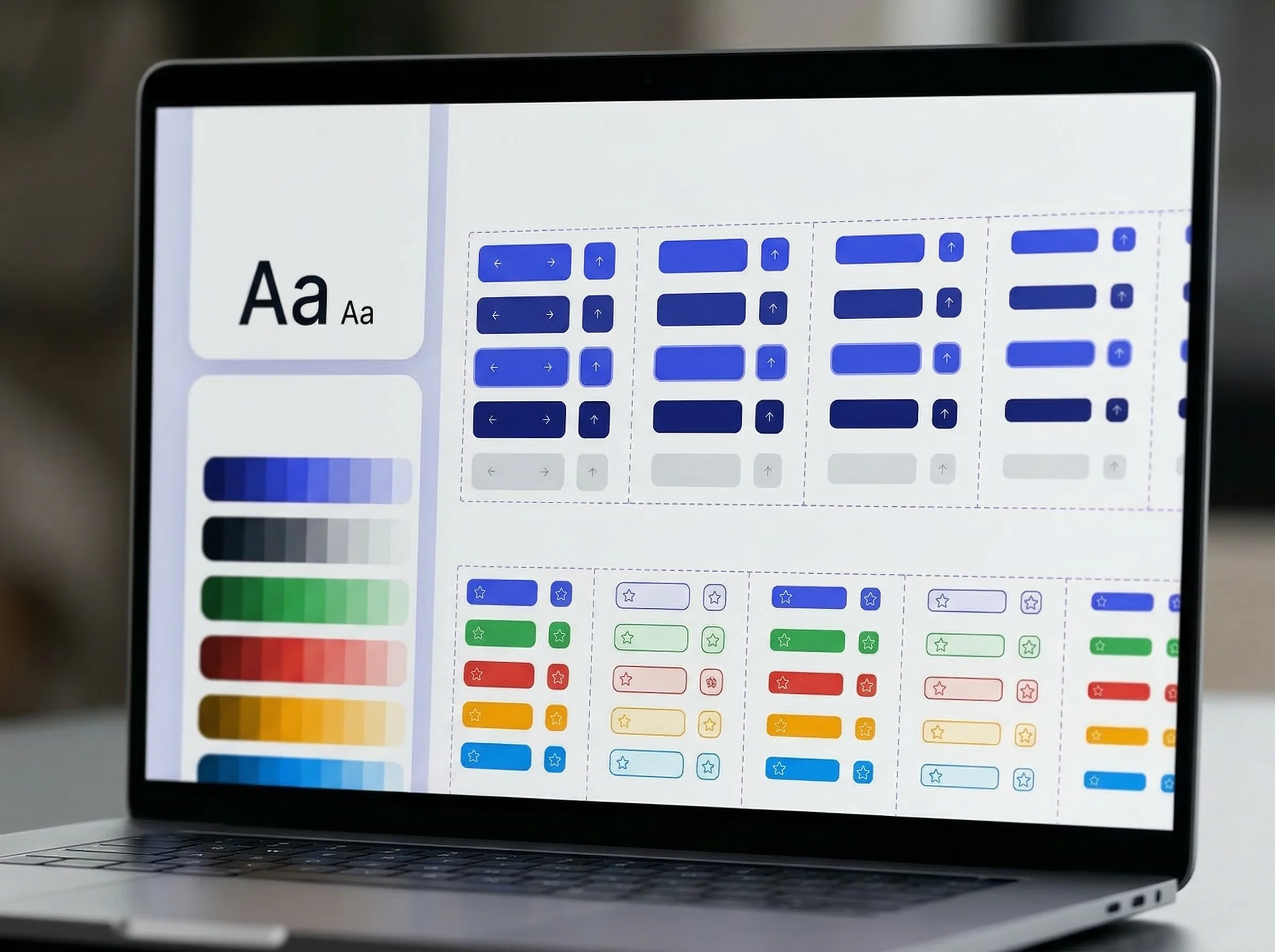
This is why we build component-based design systems before we design pages. Every interactive state, every spacing value, every typographic treatment is defined once and applied everywhere. Pages are assembled from those components — they don't introduce new visual decisions. The result is a site that feels like a product rather than a collection of individual pages that happen to share a logo.
For clients who come to us with an existing site, inconsistency is usually the first thing we flag in the audit. Not because it's the most dramatic problem, but because it's the one that quietly erodes credibility on every page, every visit, without the business ever knowing it's happening.
5. Whitespace Is Not Empty Space
The hardest thing to defend in a client presentation is a design with generous whitespace. The instinct is always to fill it. 'Can we add something here?' 'This section feels empty.' 'We have this content — shouldn't it go somewhere?' The question behind all of these is the same: does empty space mean wasted space?
It doesn't. Whitespace is what gives elements room to carry weight. A headline on a crowded page has to fight for attention. The same headline with 80px of clear space above and below it lands with authority. Whitespace controls pacing — it tells the visitor when to pause, when to read, when to act. Remove it, and everything competes at the same volume. Cognitively, it's exhausting. Visitors leave.
The brands that do this well are worth paying attention to. Luxury brands, in particular, understand that restraint is a signal. A product page with one image, one headline, and two sentences of copy says something that a page stuffed with features and badges and social proof cannot: we don't need to convince you. That's a confident position to take, and whitespace is how you take it visually.
We've had to hold the line on this more than any other principle. But we've never had a client, after launch, tell us the site felt too spacious. The complaints always go the other way.
Why Principles Matter More Than Trends
Web design trends move fast. Glassmorphism, bento grids, oversized typography, dark mode everything, animated gradients — each one has its moment and then fades. Principles don't work like that. Hierarchy, performance, consistency, and spatial clarity are as relevant to a site built in 2026 as they were to one built in 2016. They're not aesthetic choices — they're structural ones. A site built on them will outlast whatever style it wears.
If you're planning a new website or reviewing an existing one, our web design and development service covers the full process — from strategy and structure through to development and launch. Or if you want a straightforward read on where your current site stands, we offer a free website audit with no strings attached.
More from the blog
Mar 17, 2026·7 min read
Minimalist Logo Design: Why Simple Isn't the Same as Easy
Everyone wants a clean, minimal logo. Very few brands get one that actually works. The difference isn't aesthetic — it's strategic. Here's what separates a minimal logo from an empty one.
Fouad Boukra
Mar 17, 2026·6 min read
Next.js vs WordPress: Why We Don't Build on WordPress
WordPress powers 43% of the web. Most of those sites are slow, bloated, and quietly costing their owners business. Here's what we use instead — and why it matters for your bottom line.
Fouad Boukra
Feb 20, 2026·9 min read
Brand Identity Design: What Makes a Mark Last Beyond Trends
A logo is not a brand. A color palette is not an identity. After building brand systems for clients across four continents, here's what we've learned separates the marks that endure from the ones that get quietly redesigned three years later.
Fouad Boukra